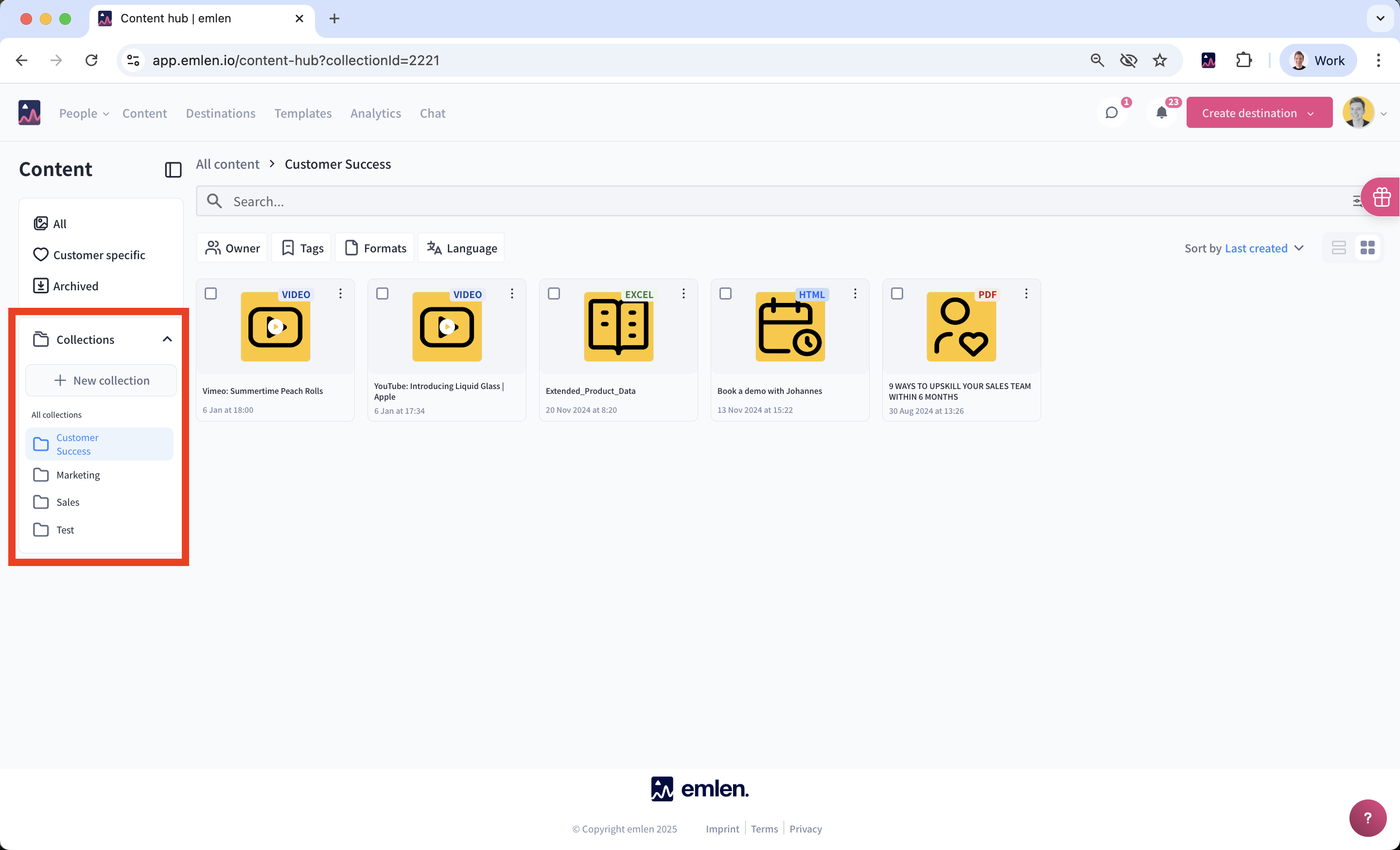
Collections
Collections let you structure and organize your content, similar to folders.
- Click “New collection” and create the collections you need (e.g., Marketing, Sales, Customer Success)
- Switch back to “All” to view all content
- Select the items you want and click “Add to collection”