
Team management
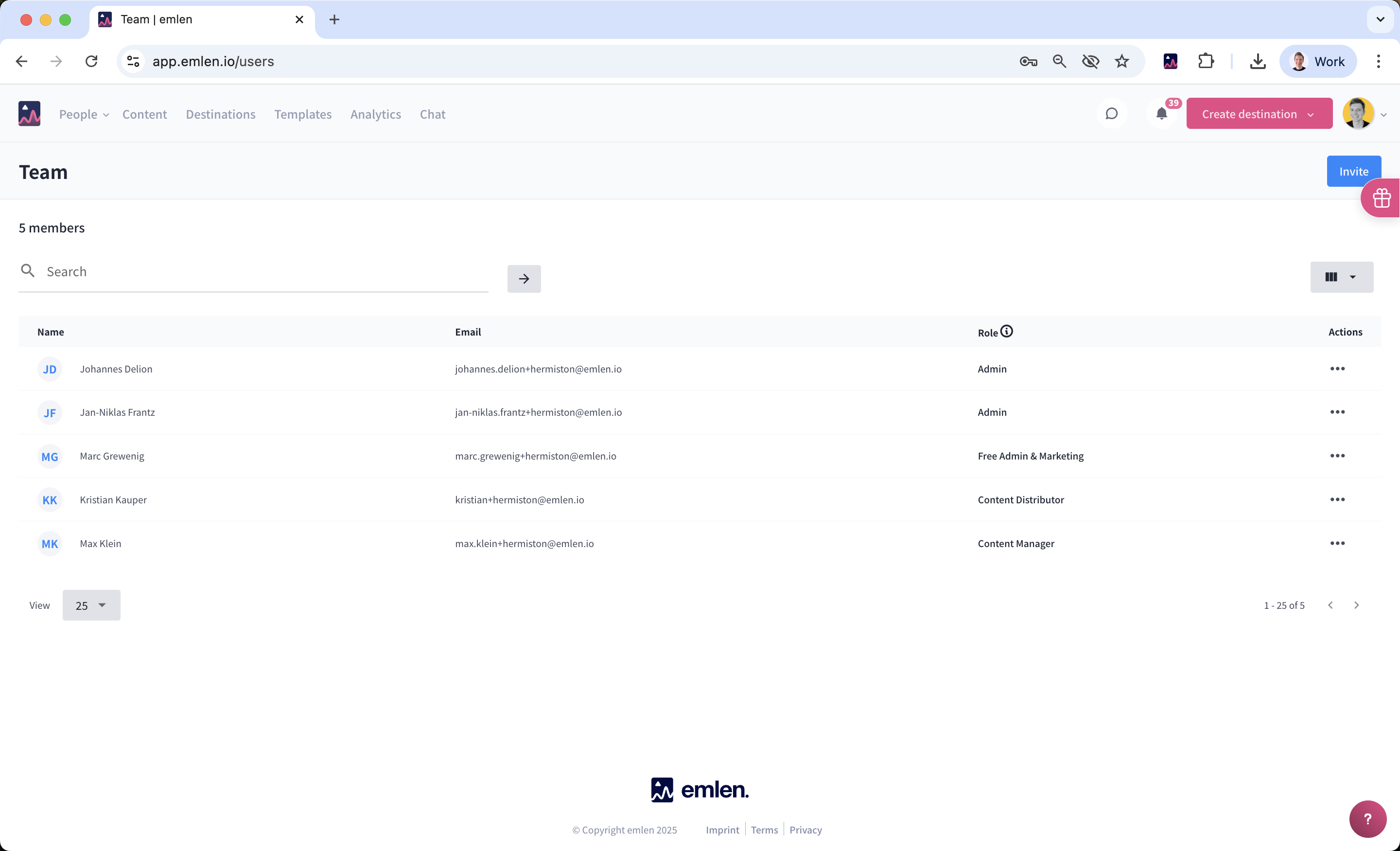
As an Admin, you can manage your team directly from the team settings page.
You can:
- Invite new users
- Remove users
- Change user roles
User Roles and Billing
The following roles are billable because they can create Destinations (= sales seats):
- Admin
- Content Manager
- Content Distributor
Please check your contract to see how many sales seats are included in your plan.
👉 For a detailed overview of role permissions, see here.
Free Role: Admin & Marketing
The Free Admin & Marketing role is not billable.
- This role cannot create Destinations.
- It is typically used for:
- IT, RevOps, or Sales Enablement users supporting setup.
- Users managing the content hub only, without needing to create Destinations.
Minimum Users & Billing Cycle
- Some contracts may specify a minimum number of users. If this applies, you cannot reduce your team size below that number.
- When you remove a user, the change will apply from your next billing cycle.