
Customize company details and design settings
This article explains how to customize your emlen account to match your company’s branding. An admin role is required for these settings.
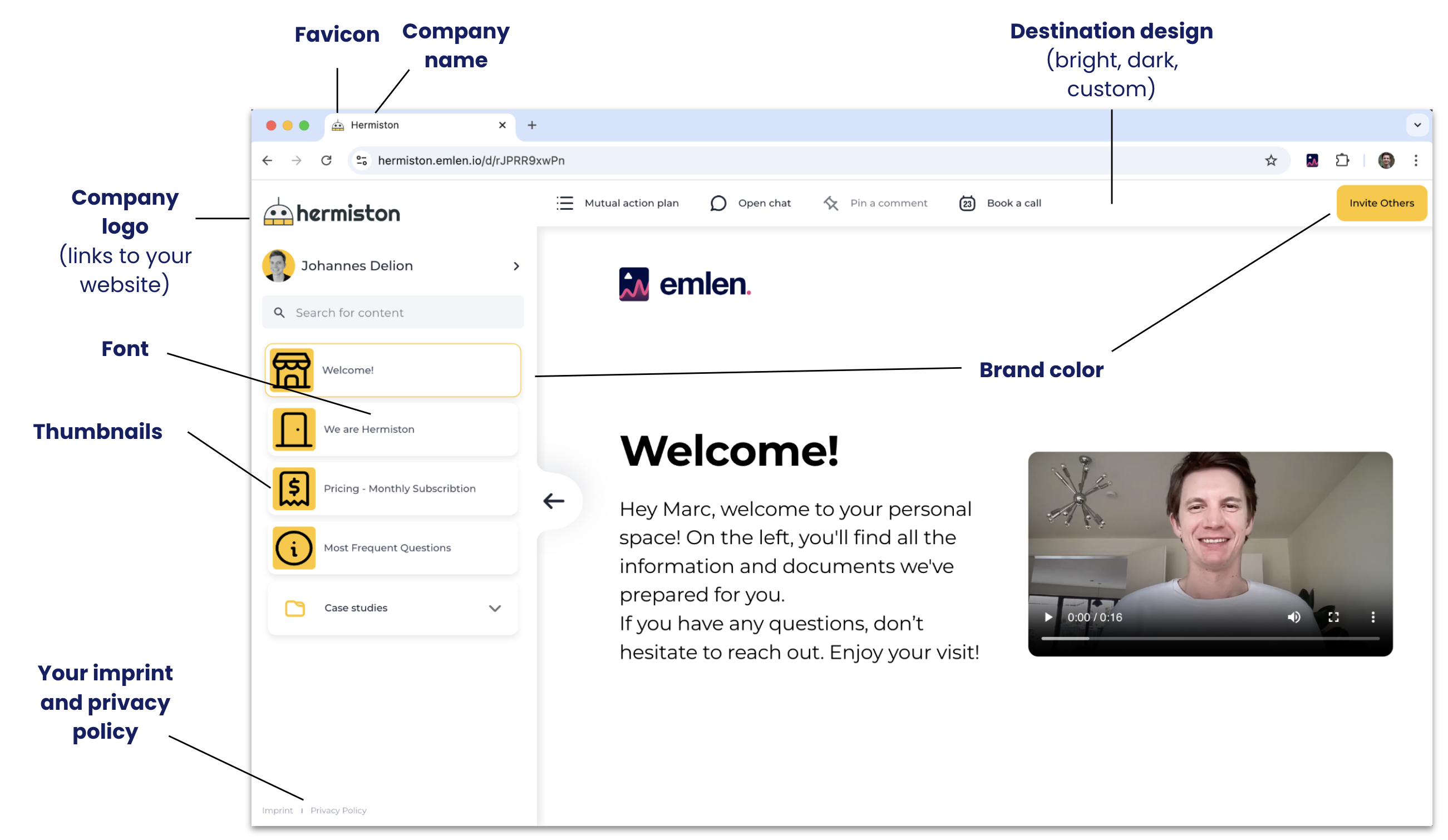
Go to organization settings and follow these steps:
1. Upload company logo and favicon - PNG format, transparent background
2. Check / add company details
- Company name
- Website
- Address
- Imprint url
- Privacy policy url (include a section for emlen, cf. here)
3. Choose a Destination theme - Light works well for most brands; for Custom, consider consulting your marketing team.
4. Set your brand color
5. Set your font - emlen supports open-source fonts; contact us if using a proprietary font
6. Video playback mode
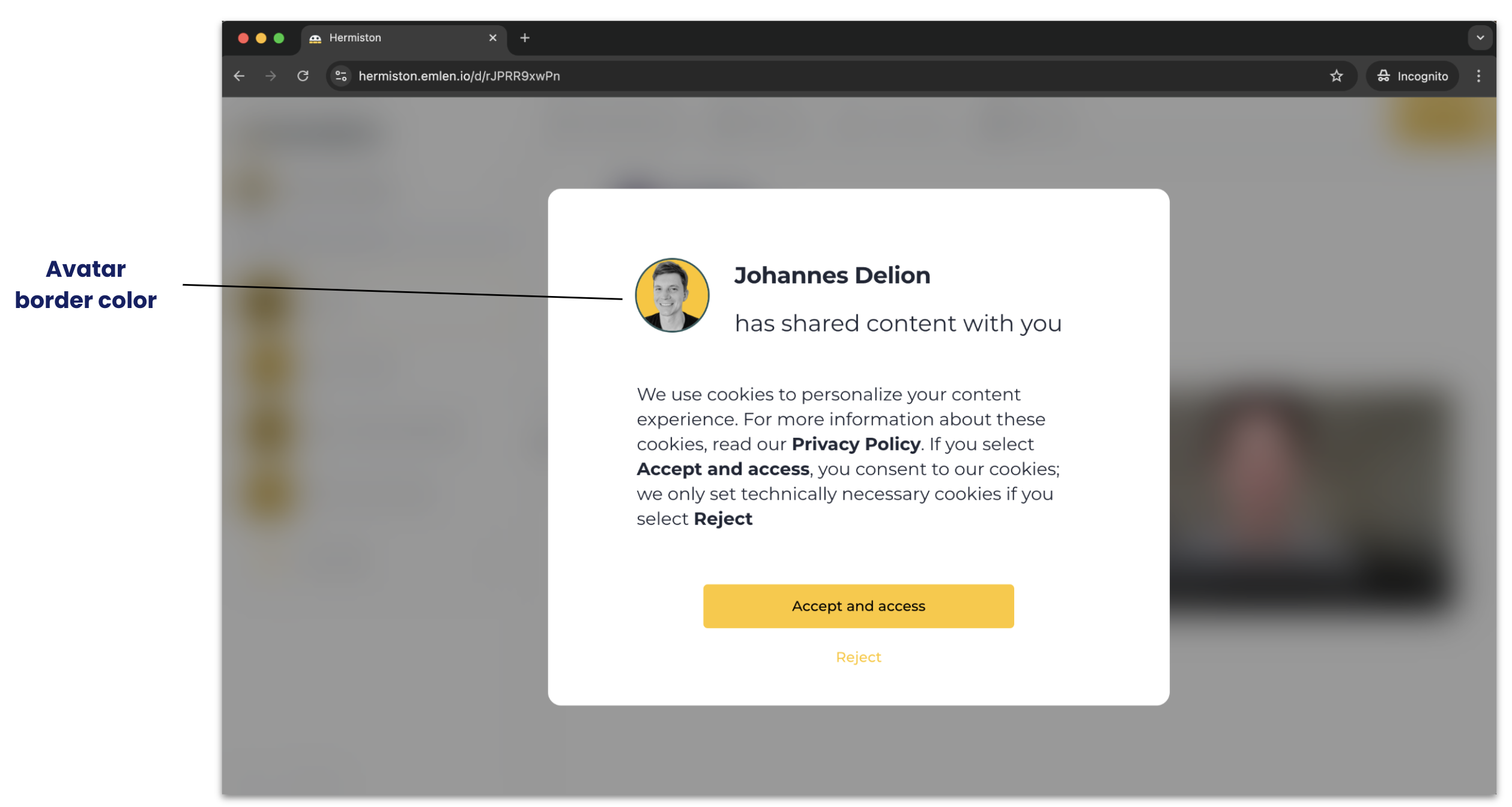
7. Set avatar border color
8. Upload your thumbnails - PNG format, 600x340px. We suggest these themes:
- Home / welcome icon
- Presentation (slides)
- Documents / whitepaper
- Video
- Weblink
- Spreadsheet
- Case study
- Checklist