
Why can't certain external links be displayed in emlen?
The most likely cause is that the website does not allow iFrame embedding. In this case you will see the message in emlen:
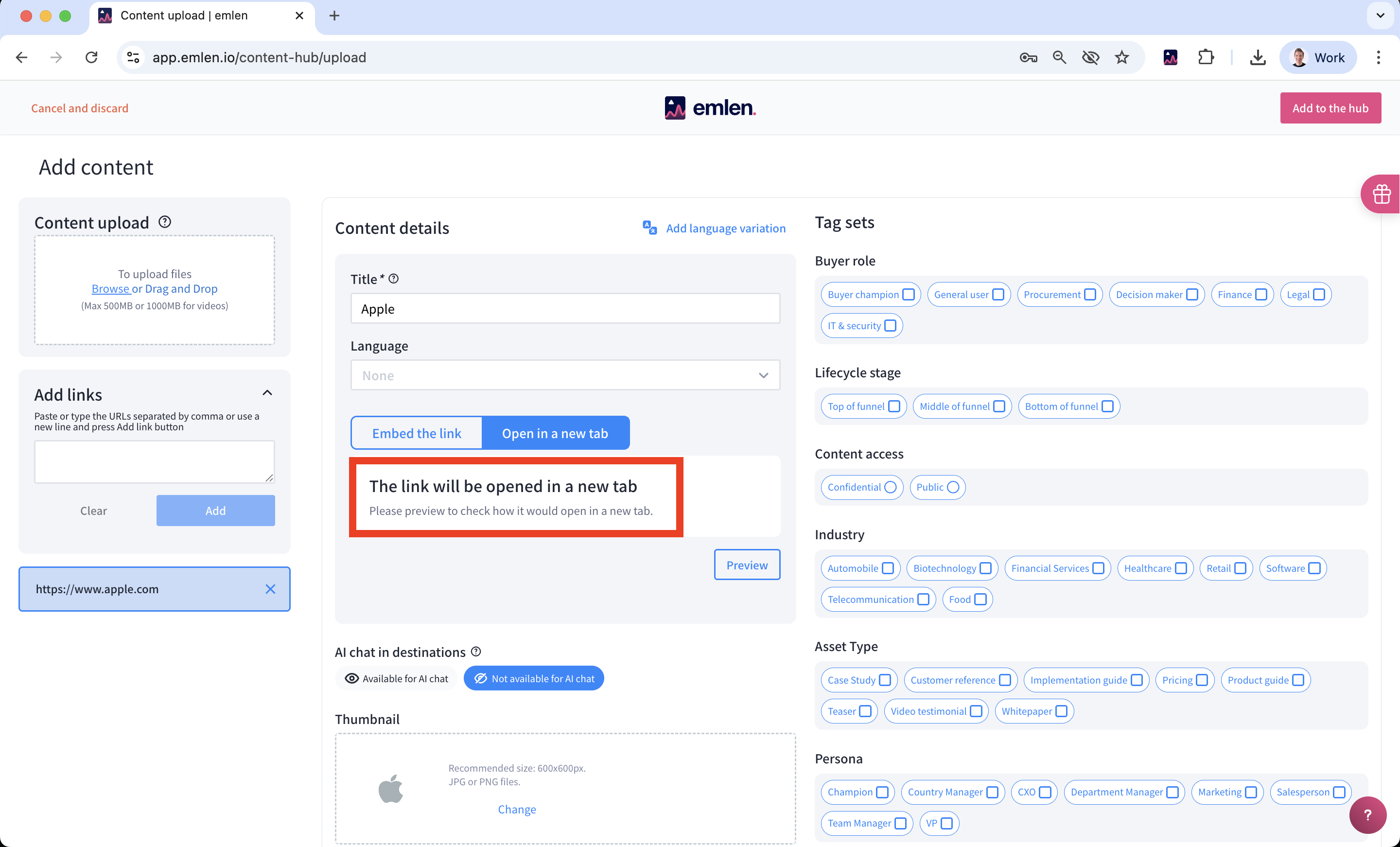
If you are the owner of that website (e.g. it's your company website or any subpage) you have the possibility to embed the website anyway.
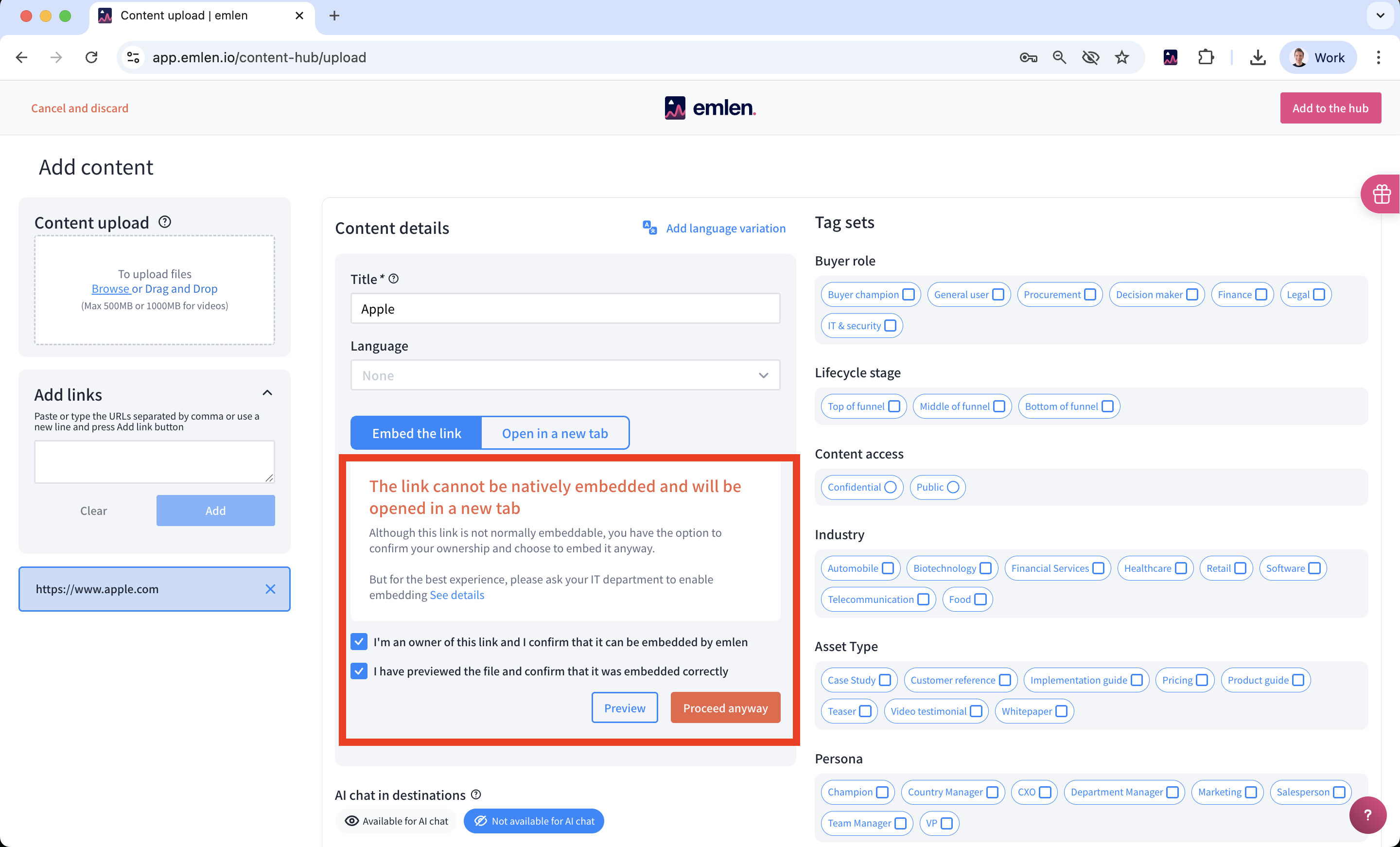
To do this, click on Embed the link and then I'm an owner of this link and I confirm that it can be embedded by emlen and Preview.
If the website is displayed correctly, you can click on Proceed anyway. If the website is not displayed correctly (e.g. images are missing, graphic elements are not displayed correctly), you can try to change the website's security settings.
How do you do this?
To enable embedding, ask your IT admin to adjust your website’s security headers:
- Remove the
X-Frame-Optionsheader (if present) - Add or update the
Content-Security-Policyheader with this value:frame-ancestors 'self' https://*.emlen.io - If you use an emlen custom domain, then also include that domain as
frame-ancestors 'self' https://<your-custom-domain>
Note: You’ll need to re-add any previously added link content to apply the changes.