
Edit a Destination
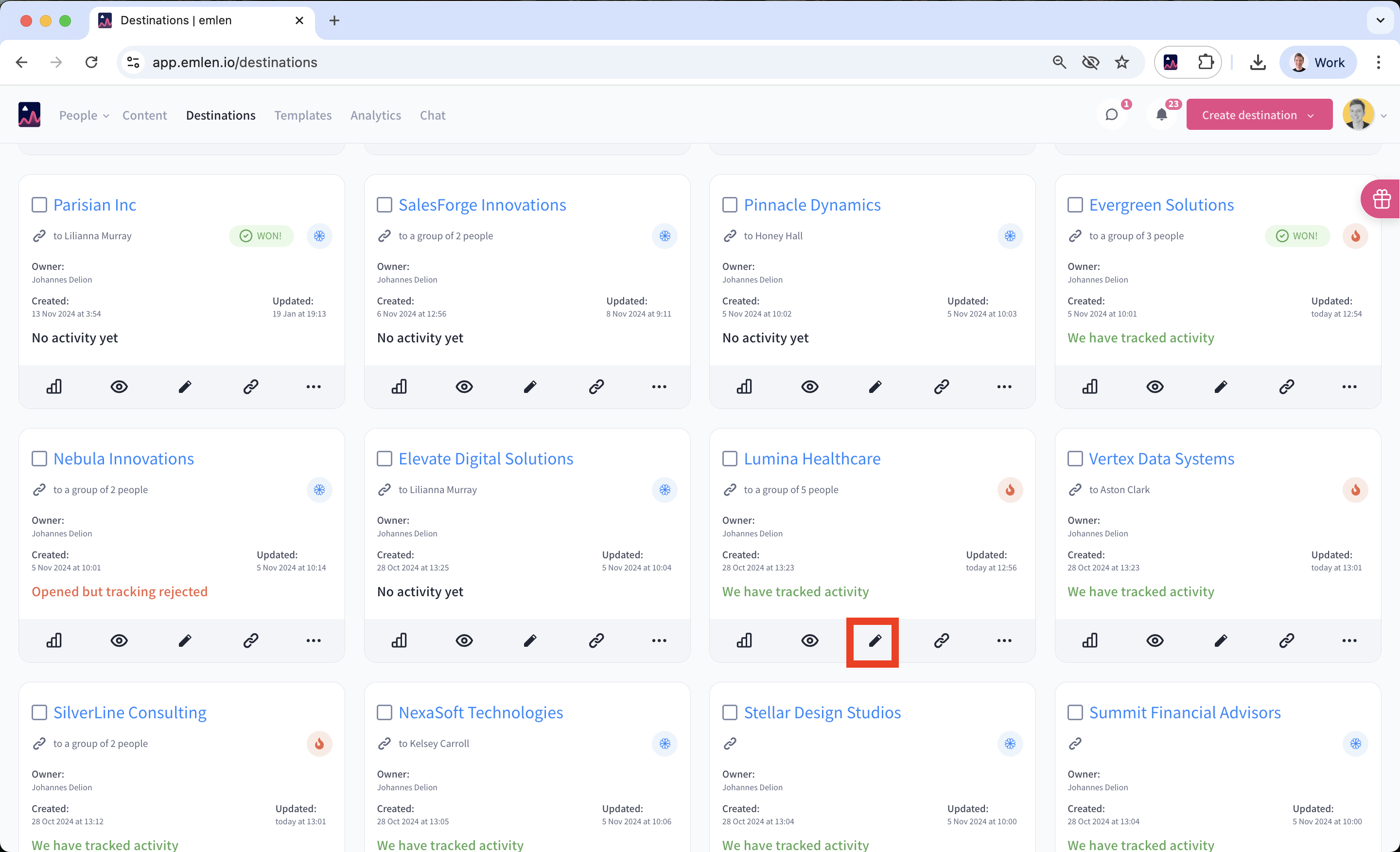
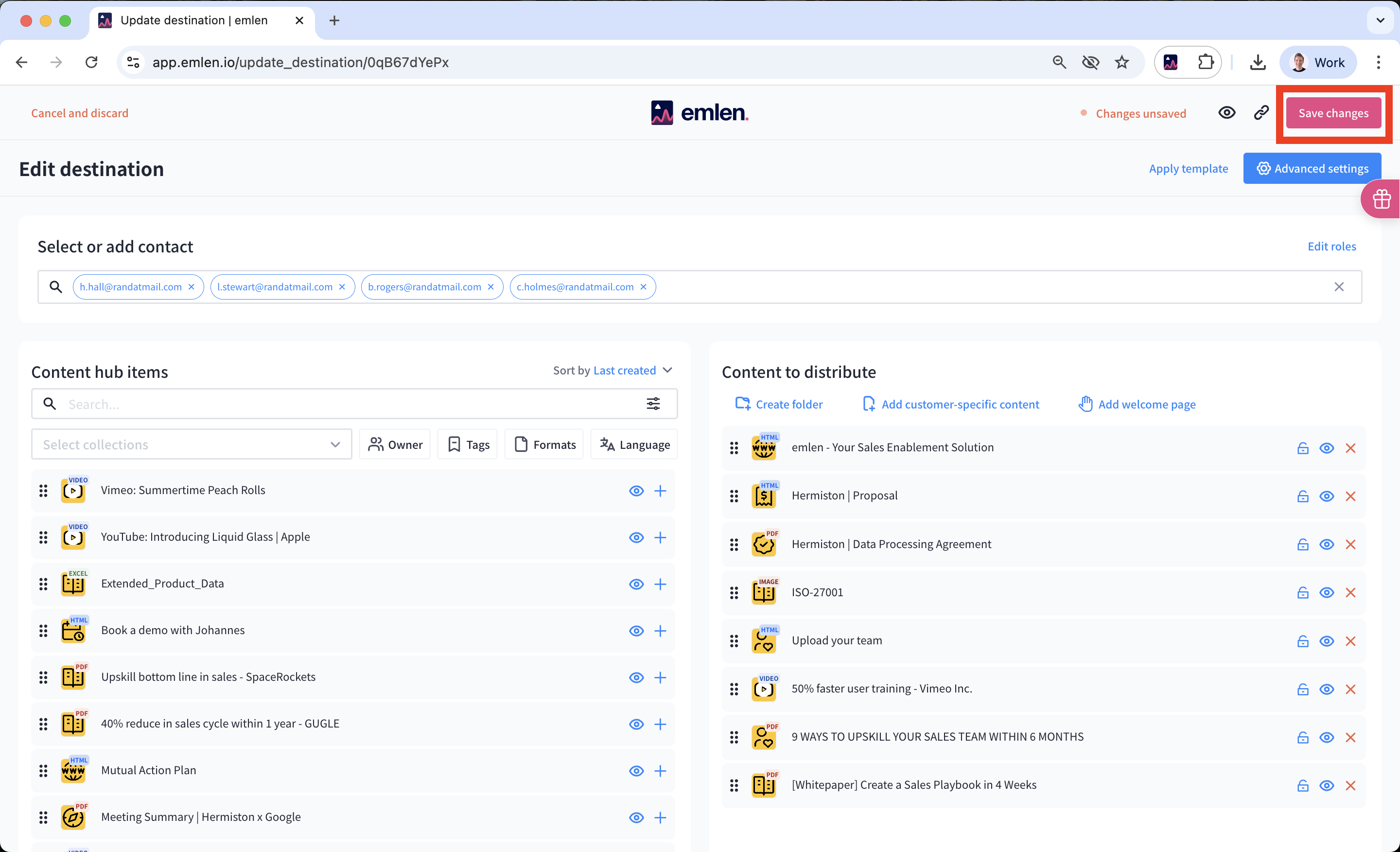
Share only the essential content for your buyer’s current stage in the purchase process. As the deal progresses and more stakeholders get involved, you can update the Destination with new content. To edit a Destination, click “Edit” and make your changes (add or remove content, update the welcome page, etc.), then click “Update.”
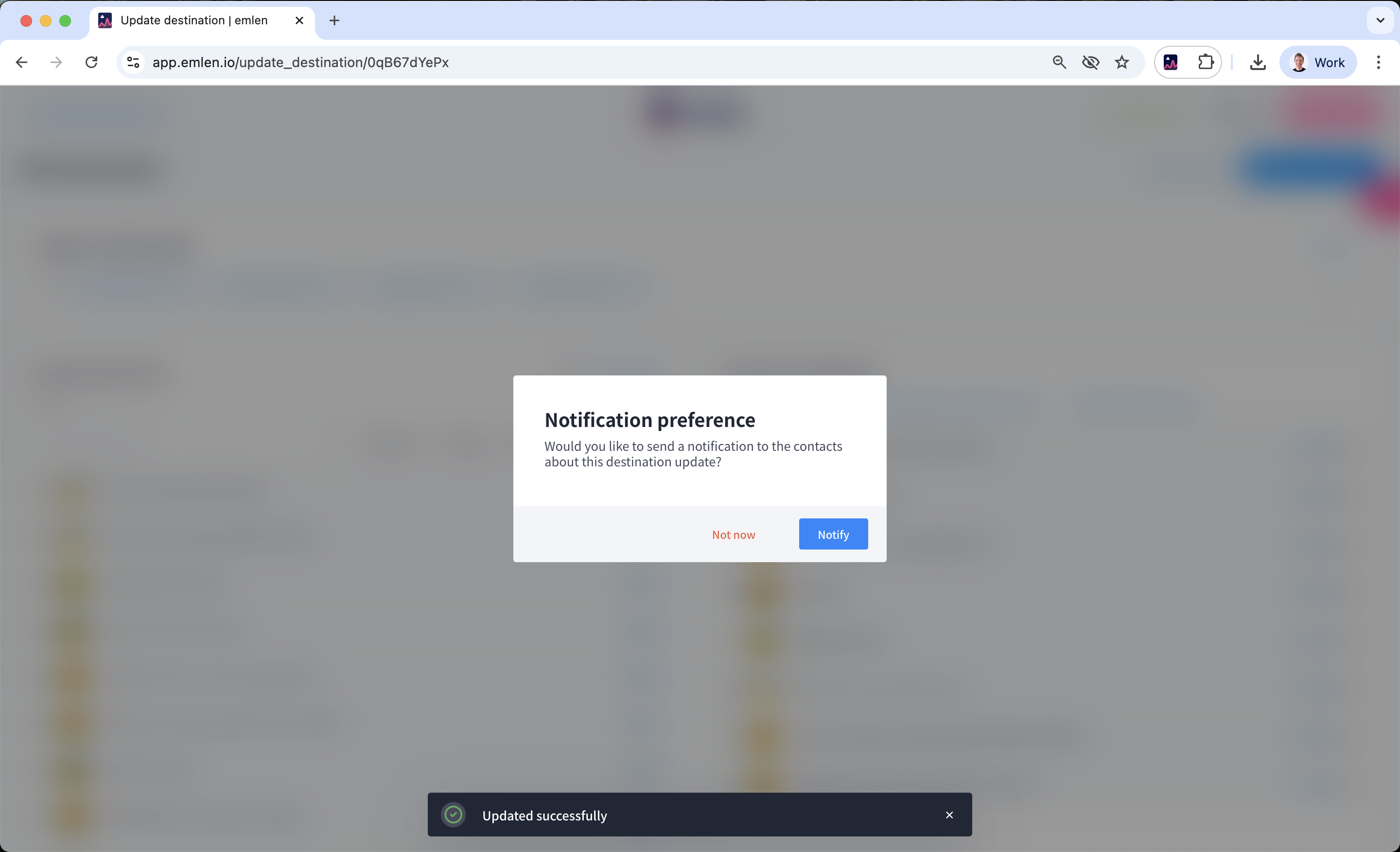
On "Notifications preference" you can
- Click "Not now" and inform your buyer manually (e.g.via email) or
- Click "Notify" to send a notification from emlen using an email template
If you choose 2, you need to create a branded email template first. Furthermore, it is recommended that you connect your email domain to emlen.
Email notification using a branded template: