Microsoft 365
To share Microsoft 365 links via emlen, you need to generate public links (“Anyone with the link can access”). If this option is unavailable due to organizational restrictions, contact your IT administrator.
Editing embedded Microsoft 365 files in emlen is not possible. Files can only be embedded in view mode.
✅ Note: If your organization restricts public links or you prefer to share a file in edit mode, you can select “Open in new tab” when adding the links to emlen. This setting ensures that any link will work.
Steps to generate a link:
- Open your file library in OneDrive or SharePoint
- Click Share from the file overview or open the file and click Share
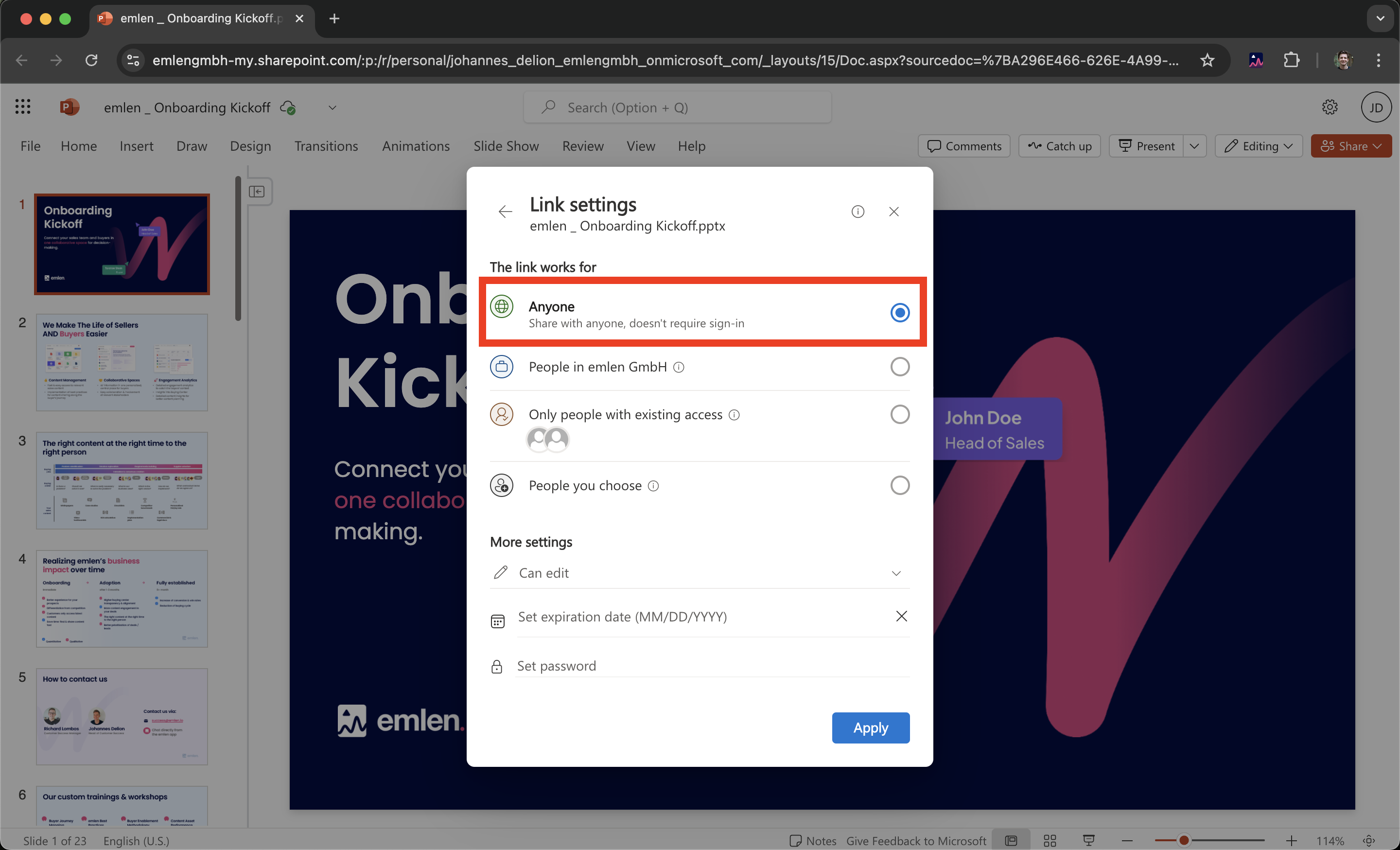
- Click Link settings (⚙)
- Select Anyone and click Apply
- Copy the link and paste it into a text editor
- Add &action=embedview to the end of the link
- Use this updated link in emlen
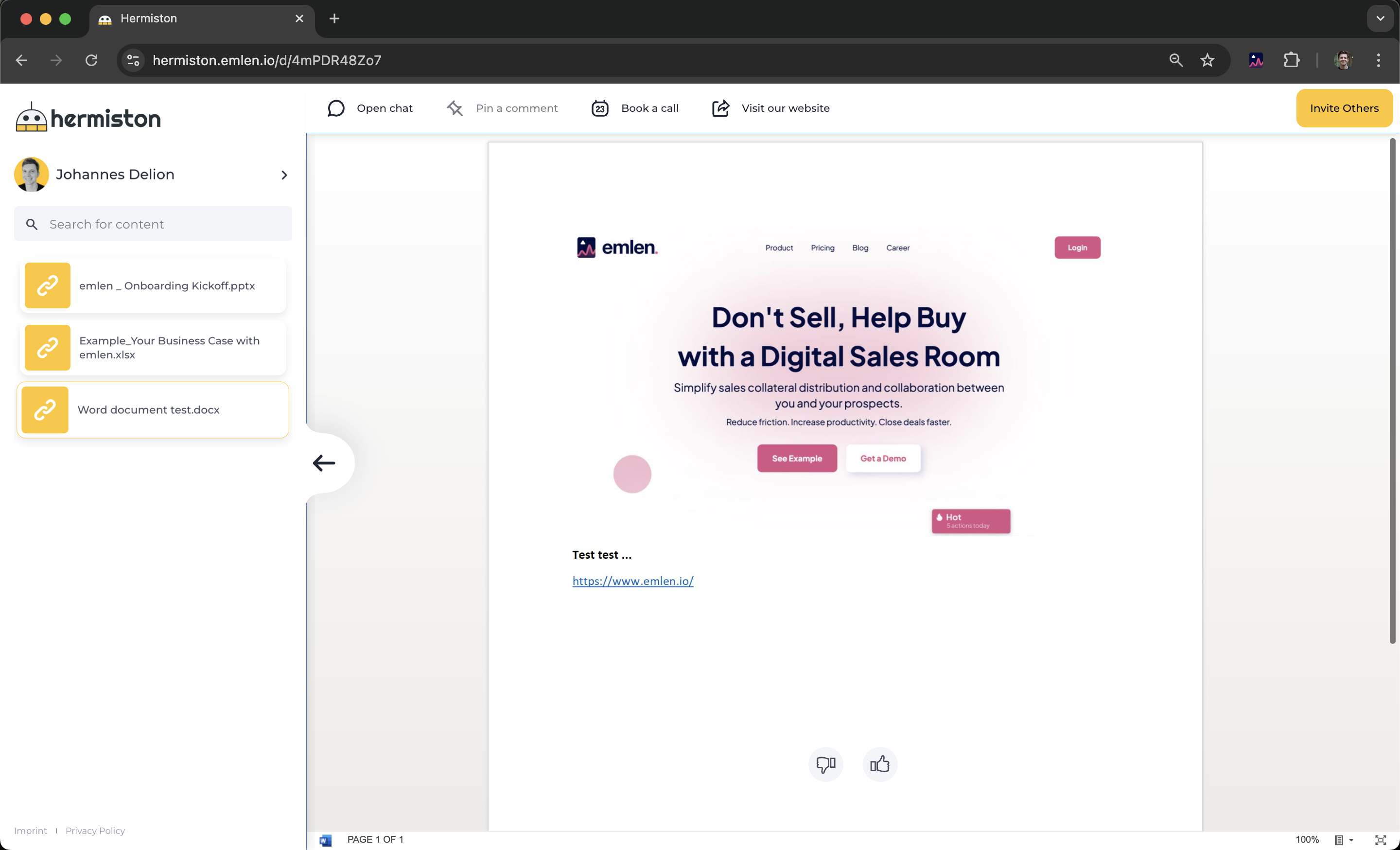
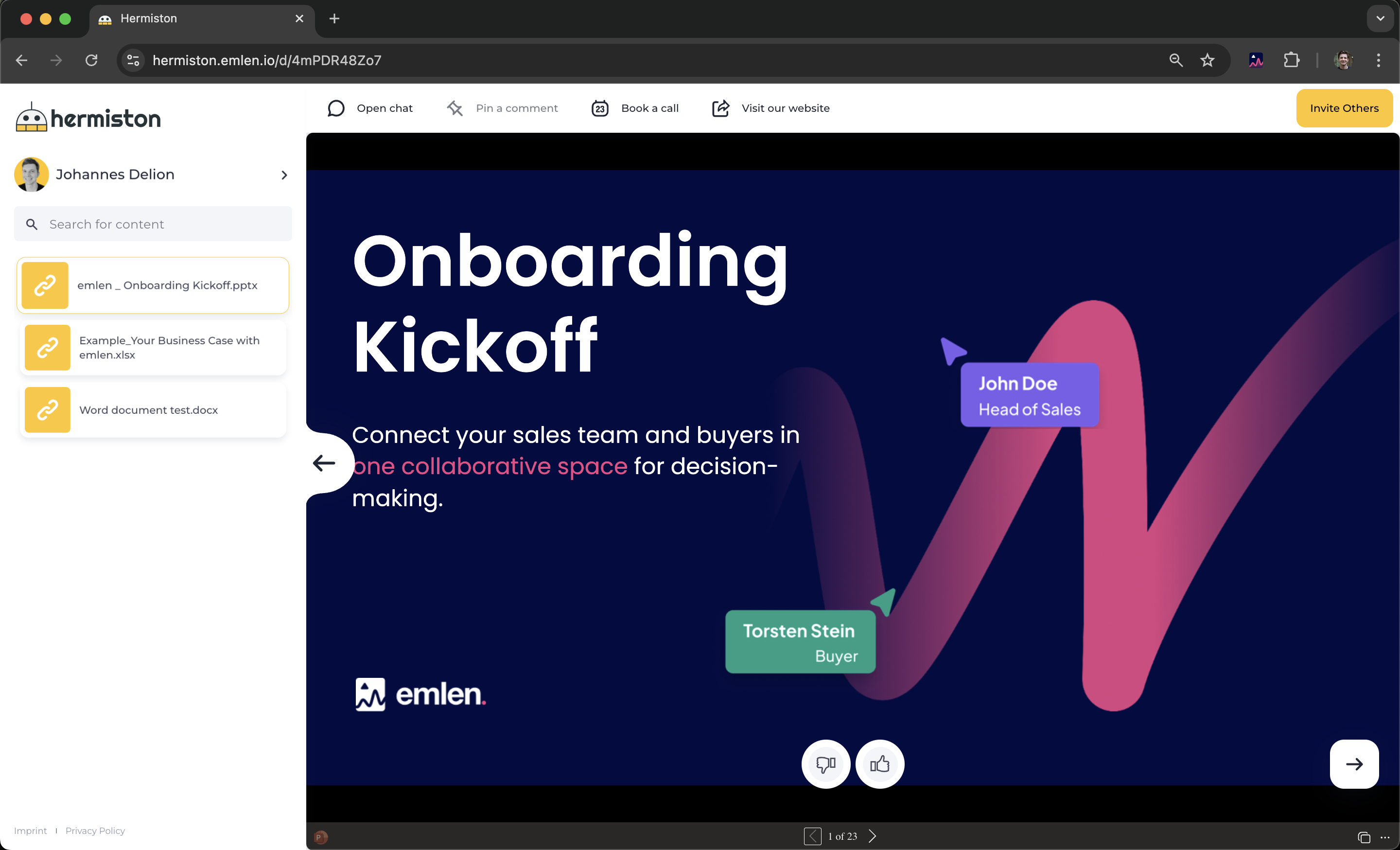
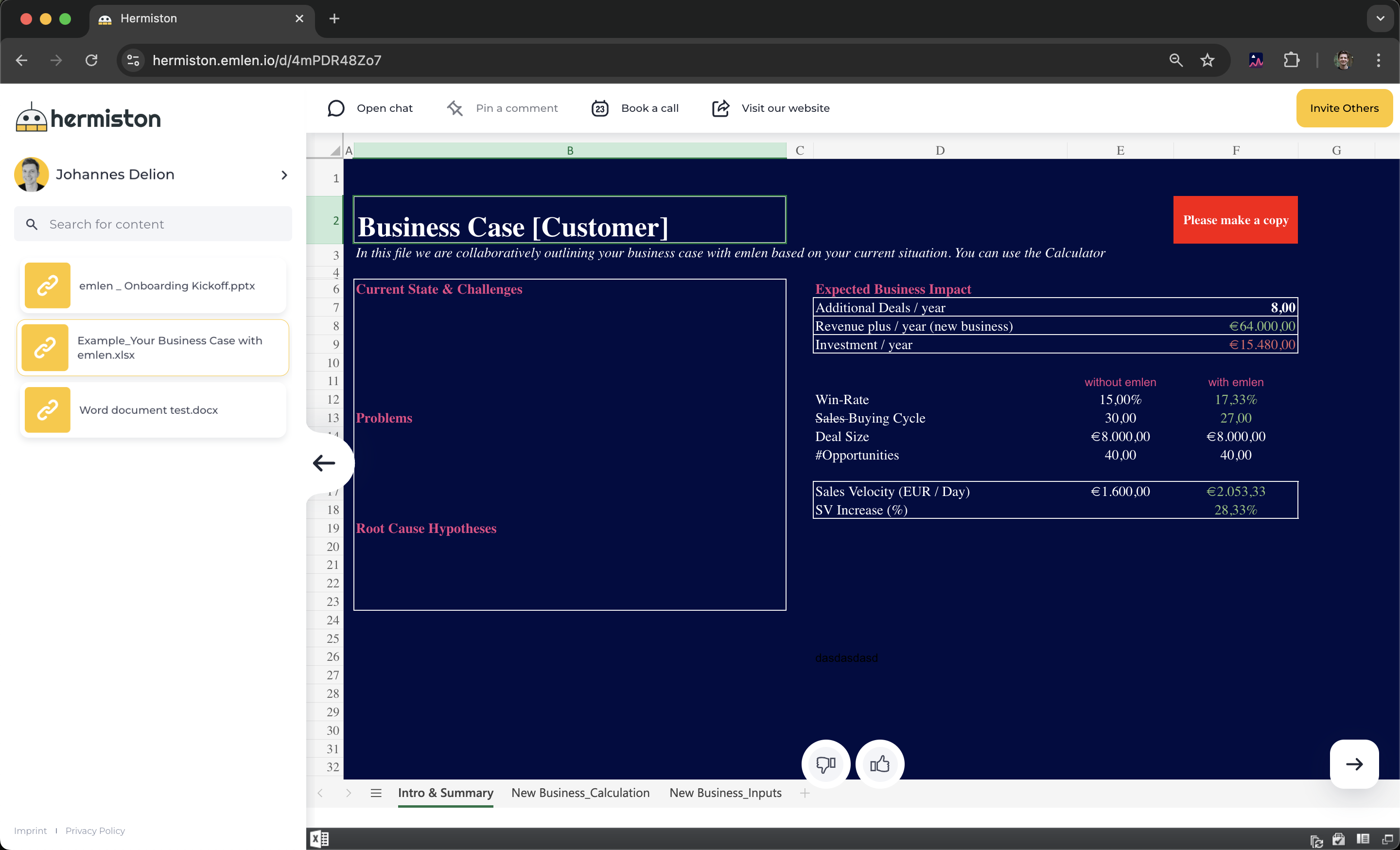
Example Destination: https://hermiston.emlen.io/d/4mPDR48Zo7
PowerPoint:
Excel:
Word: